
Seeing what Claude changed, across sessions.
One session is easy to review: read the diff. With several sessions in the same repository, the question changes from what changed to who changed it, and when. Here is what git and Claude Code give you, where they run out, and what Mastlight’s Change Map adds.
Without Mastlight
Start from a clean tree
Commit or stash before you hand Claude a task. Then whatever git reports afterwards is the task’s work, including files changed by shell commands and files Claude created.
Read the changes with git
git status --shortgit diffgit statuslists changed and new files.git diffshows the changes in files git already tracks, and a brand-new file only appears ingit statusuntil you add it. This also catches edits made by Bash commands and by subagents, because git does not care how a file changed.Use /rewind to undo, not to audit
Claude Code takes a checkpoint before each prompt that starts a turn, and
/rewind(or pressingEsctwice on an empty prompt) lets you restore the code, the conversation, or both. It tracks changes made through Claude’s file-editing tools only. Files changed by Bash commands such asrm,mvorcpare not tracked and cannot be undone this way. Claude Code’s docs say plainly that checkpoints are not a replacement for version control.Keep sessions in separate worktrees
If two sessions work in one checkout, git cannot tell you which of them wrote a line. Starting each in its own worktree (
claude --worktree name) gives each its own diff. The many sessions guide covers it.
What is missing is attribution. Git shows what is different from the last commit. It does not say which session, which turn or which account made a change, or that two sessions touched the same file.
How Mastlight does it
The Changes tab sits beside Terminal and Conversation in every session. After every turn and every agent finish, Mastlight snapshots the git repositories the session works in and shows what changed.
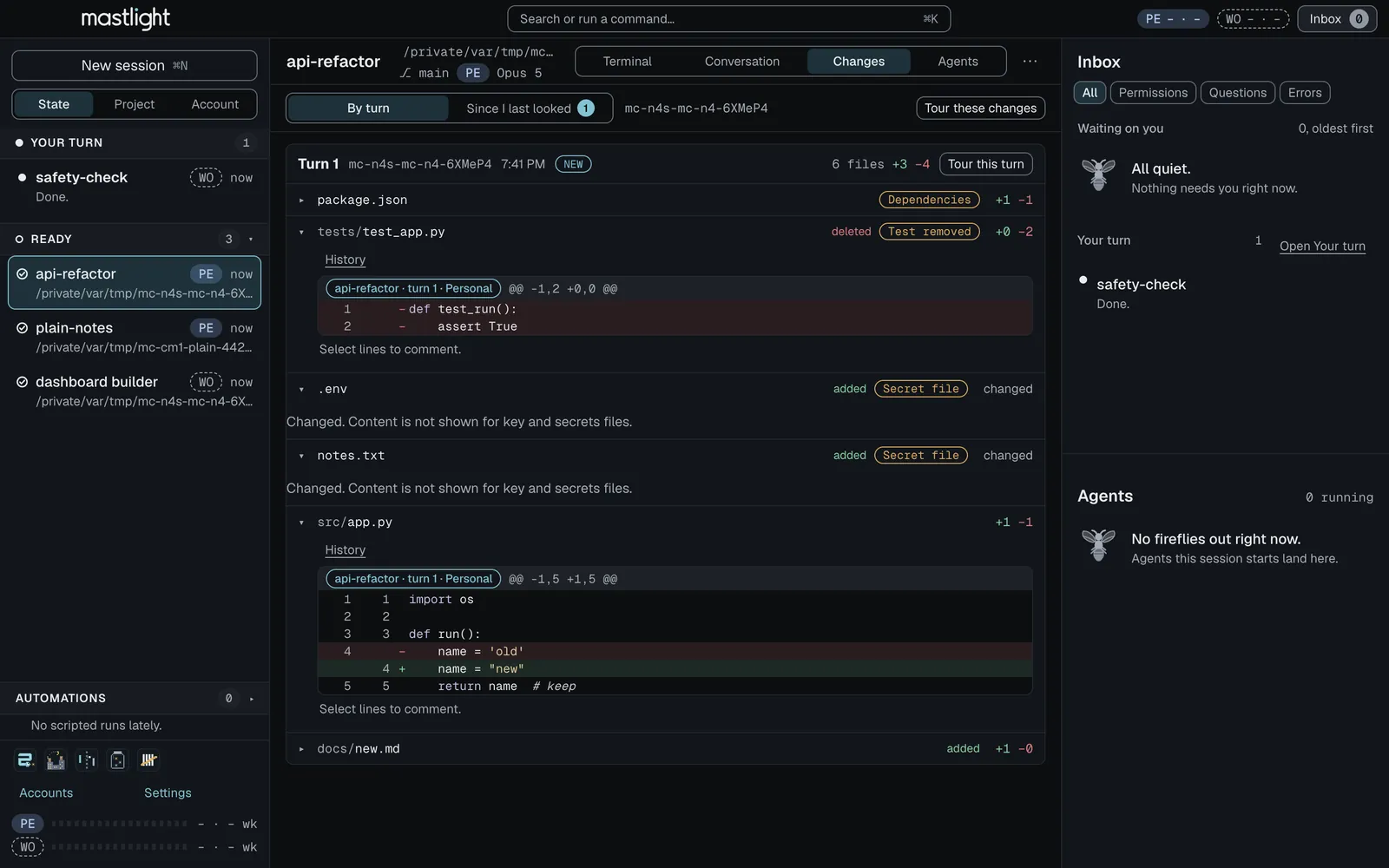
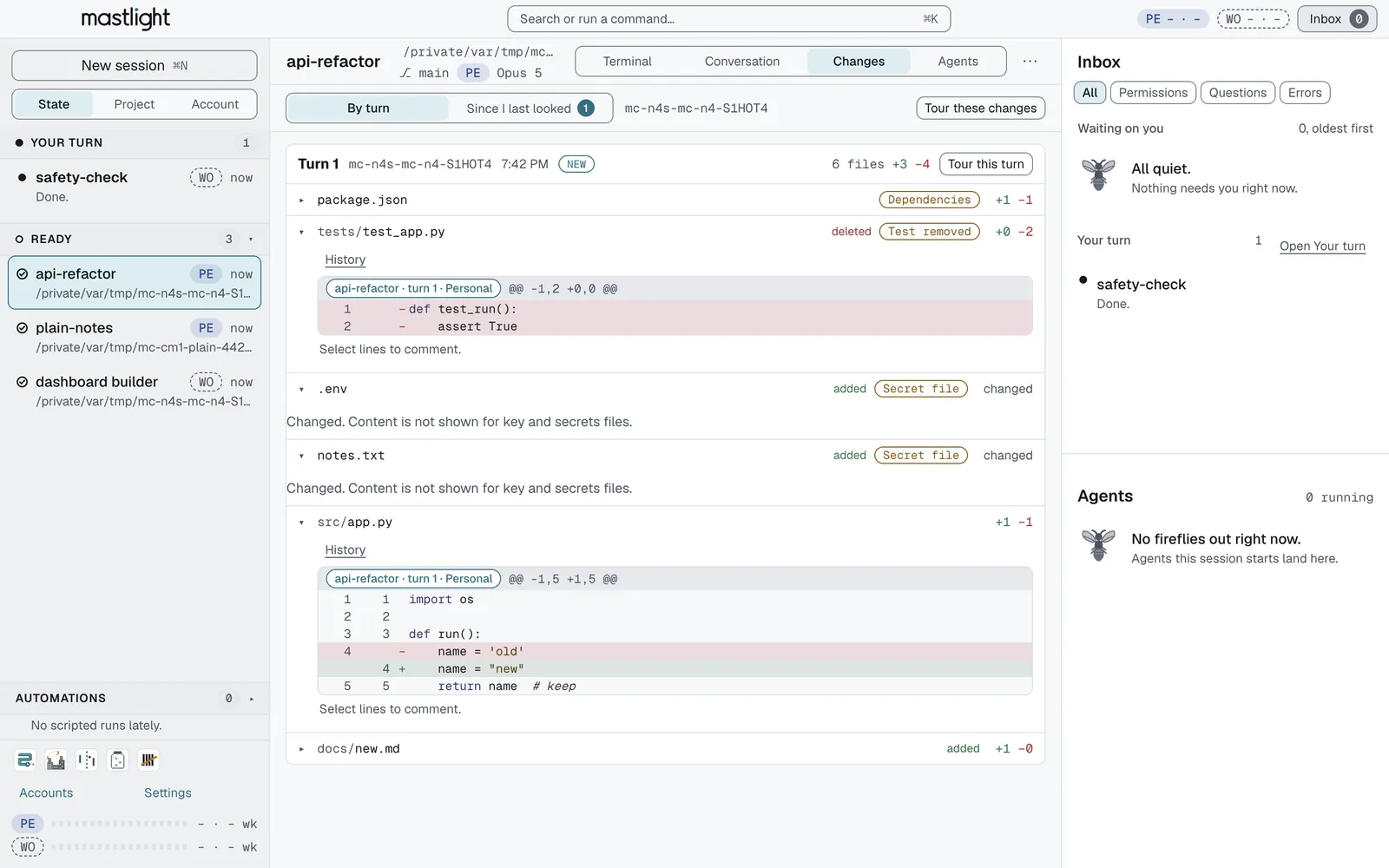
- Per turn, per session. Each file is attributed to the session, turn and account that changed it, or marked shared, or marked “outside Mastlight”. Edits made by Bash and by subagents are included.
- Collisions are marked. The same file changed by two sessions within 24 hours gets a mark naming the other session.
- Review these first. Files that deserve a look come first, each with a one-line reason: deleted or emptied tests, dependency files and lockfiles, migrations, large deletions, files that look like secrets, and repositories outside the session’s folder.
- Secrets stay hidden. A file that looks like it holds a secret shows only “changed”, never its content.
- History and comments. A slider steps back through every snapshot that touched a file, and every hunk carries a chip naming who made it. Select lines and choose Comment, and the note goes to the session that wrote them.
- Your repository is never written to. Mastlight keeps shadow copies in its own folder. Settings, Changes turns tracking off, excludes folders and clears the history.
The limits
Only git repositories under your home folder are tracked. Files over 5 MB are recorded by size and time only, snapshots older than 14 days are removed, and the disk cap is 2 GB. The check for secret-looking content reads the first 1 MB of a file. A change is a record of what the files looked like after each turn, so it complements git diff and /rewind rather than replacing them.
Try Mastlight
Free, early preview, runs on your computer, no account with us.